Pikachu Volleyball Clone

BEACH VOLLEYBALL

A fan-made HD remake of the classic beach volleyball game with two Pikachu. Play it right in your browser or download it for:

Linux, Windows and Android

And independent versions for:

Sega Mega Drive and NES

Pikachu
scroll ▼

Play it now

Click the game once to start. Keys: P1 D/G/R/F/Z, P2 arrows + Enter. Open full page

Why this exists

Pikachu Volleyball is one of my favourite games from high school, one I played after class, so I decided to make a remake of it. It is the same fast, simple volleyball, redrawn in high resolution and written in Rust, then scaled down to 8 and 16 bits for the consoles of that era. I used AI tools while working on the game.

The physics and the computer opponent follow the original game's logic, so the ball behaves the way you remember. Choose 1 player against the computer or 2 players on one machine. First to 15 wins.

  • 1 or 2 players
  • Original game logic
  • Free
  • Open source

Pick your platform

Latest release: …  ·  the buttons always point to the newest files.

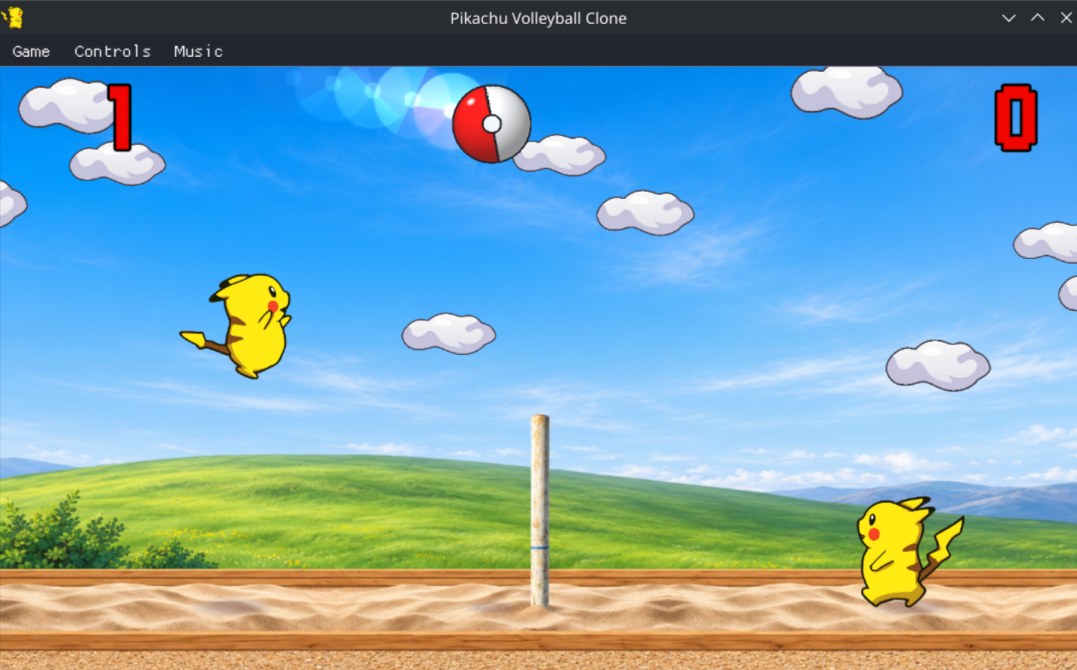
Gameplay on Linux
Gameplay in the Linux window (HD artwork).

Linux

  • AppImage for x86-64 and ARM64; make it executable and run it.
  • Needs glibc 2.34+ and system ALSA, X11 and OpenGL/EGL. No FUSE? Run with APPIMAGE_EXTRACT_AND_RUN=1.
  • Keyboard, gamepads and touchscreens. Player 1 D G R F Z, player 2 arrows + Enter. F11 toggles fullscreen. Bindings are configurable.
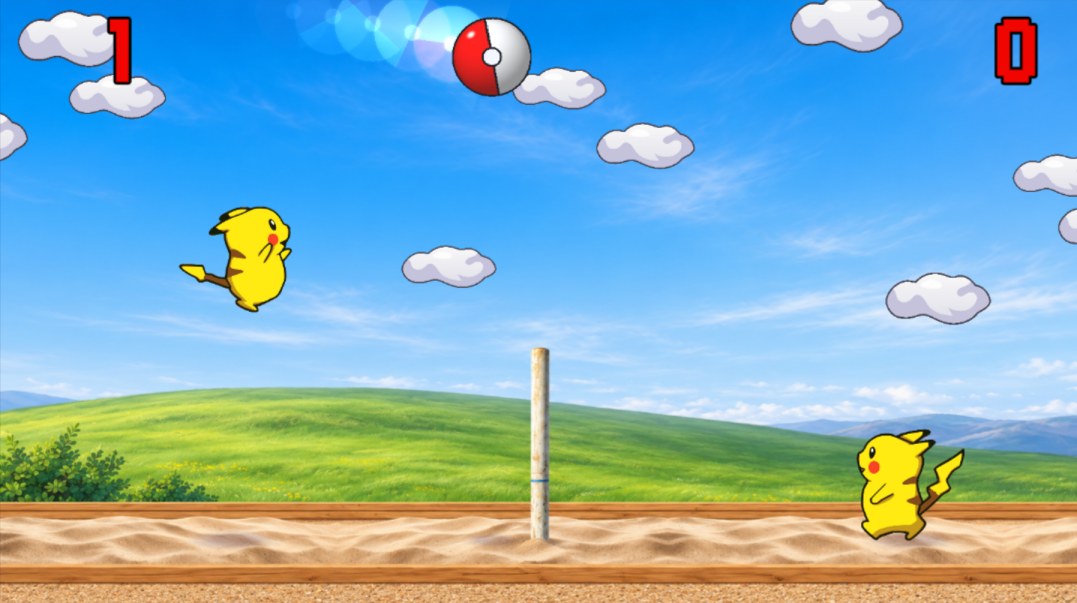
Gameplay on Windows
The Windows build uses the same renderer as the Linux one.

Windows

  • Download the ZIP, extract it and run pikachu-volleyball.exe. No installer.
  • XInput gamepads (Xbox-compatible) and keyboard, same controls as on Linux.
  • Unsigned binary: Windows SmartScreen may ask you to confirm.
Gameplay on Android
Full-screen landscape on Android, same HD renderer.

Android

  • Standalone APK for ARM64 and ARMv7, Android 5.0 or newer. Not on Google Play: install the file directly.
  • Invisible floating controls: drag to move, drag up to jump, tap the other half of the screen to hit or dive. Right-handed or left-handed mode.
  • A connected gamepad is detected automatically.
Sega Mega Drive
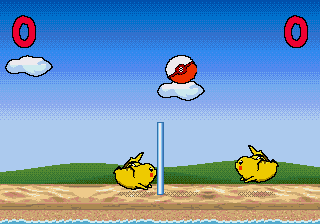
Sega Mega Drive / Genesis edition, captured in an emulator.

Sega Mega Drive / Genesis

  • An independent port written in C with SGDK. A standard 4 MiB ROM: no mapper, no save RAM.
  • Original MIDI music played on the YM2612 and PSG; pixel artwork rebuilt for 320×224.
  • Directions move, jump (up) and aim (down); B hits or dives; Start pauses.
NES
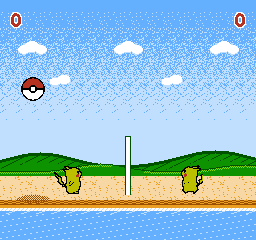
Nintendo NES edition, captured in an emulator.

Nintendo Entertainment System (NES)

  • An independent port in C and 6502 assembly (MMC3 cartridge). NTSC and PAL detected automatically.
  • 32×32 players and a 24×24 ball, the biggest the hardware's eight-sprites-per-line limit allows; the original music arranged for the APU and the voices as DPCM samples.
  • D-pad moves, A or B hits or dives; Start pauses. Pad 2 for the second player.

Enjoying it?

It is free and made in spare time. If it brought back some memories (or you just had fun), a coffee is a lovely way to say thanks — and the source is on GitHub if you want to peek, fork or fix something.